Analog + digital watch face for Garmin
Losena
Timeless design.
Essential data.
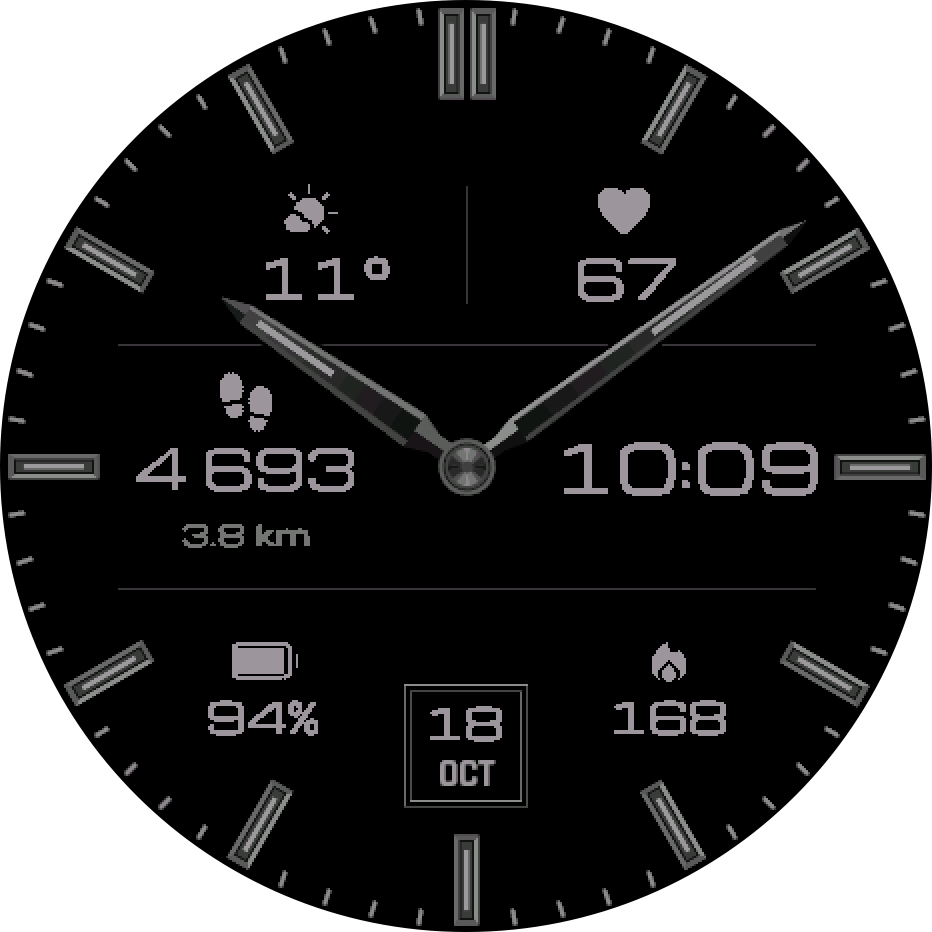
A classic analog dial with six fields you fill yourself, drawn natively for every screen it runs on.
Get it in the Connect IQ Store
One-time purchase. Price shown in the store.


6 configurable fields
52 stats, your choice
Every field takes any stat, and the middle fields add a second line beneath it. The digital time on the right can be swapped for a stat too.
Activity
Steps, distance, calories, floors, intensity minutes, move bar
Health
Heart rate, resting heart rate, stress, Body Battery, Pulse Ox, sleep score
Training
VO2 max, recovery time, race times and paces, training status
Weather
Temperature, forecast, wind, UV index, sunrise and sunset
Watch
Battery, notifications, calendar, UTC, second time zone

Touchscreen watches
Hold the center. See everything.
Press and hold the middle of the dial and the hands step aside for five seconds, so every field reads clearly. Hold a field to open its app; hold the date to open your calendar.
Personalization
Make it yours
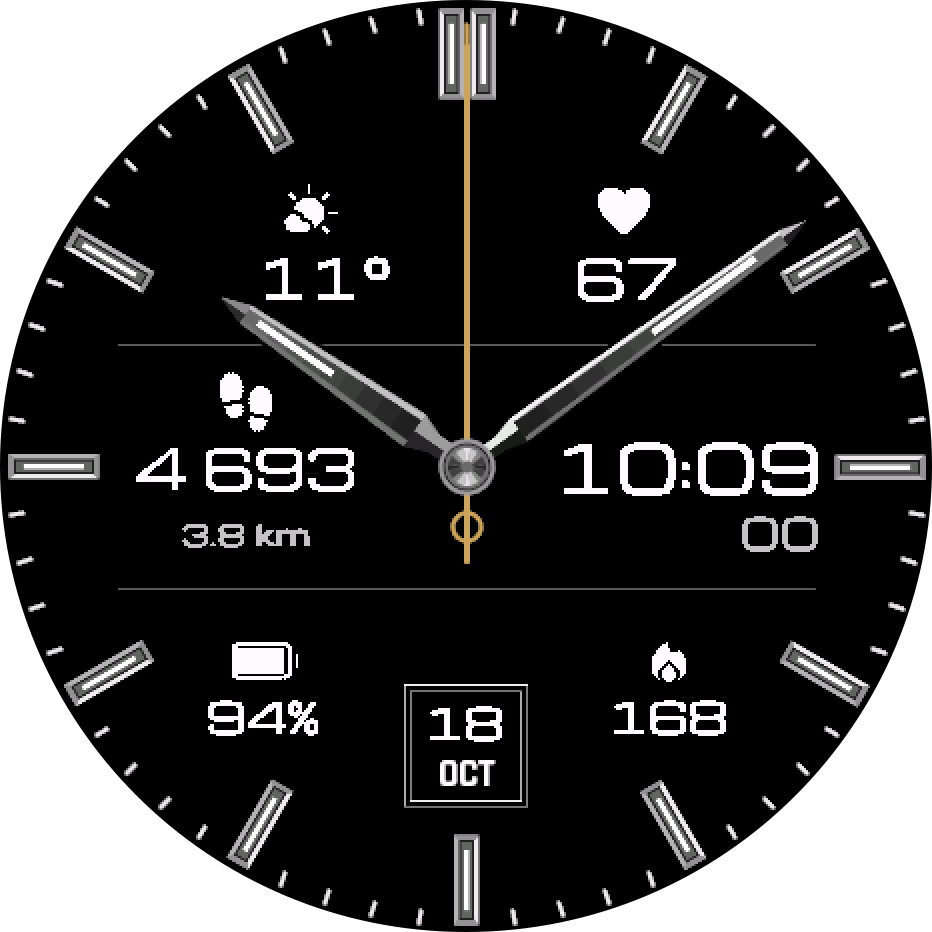
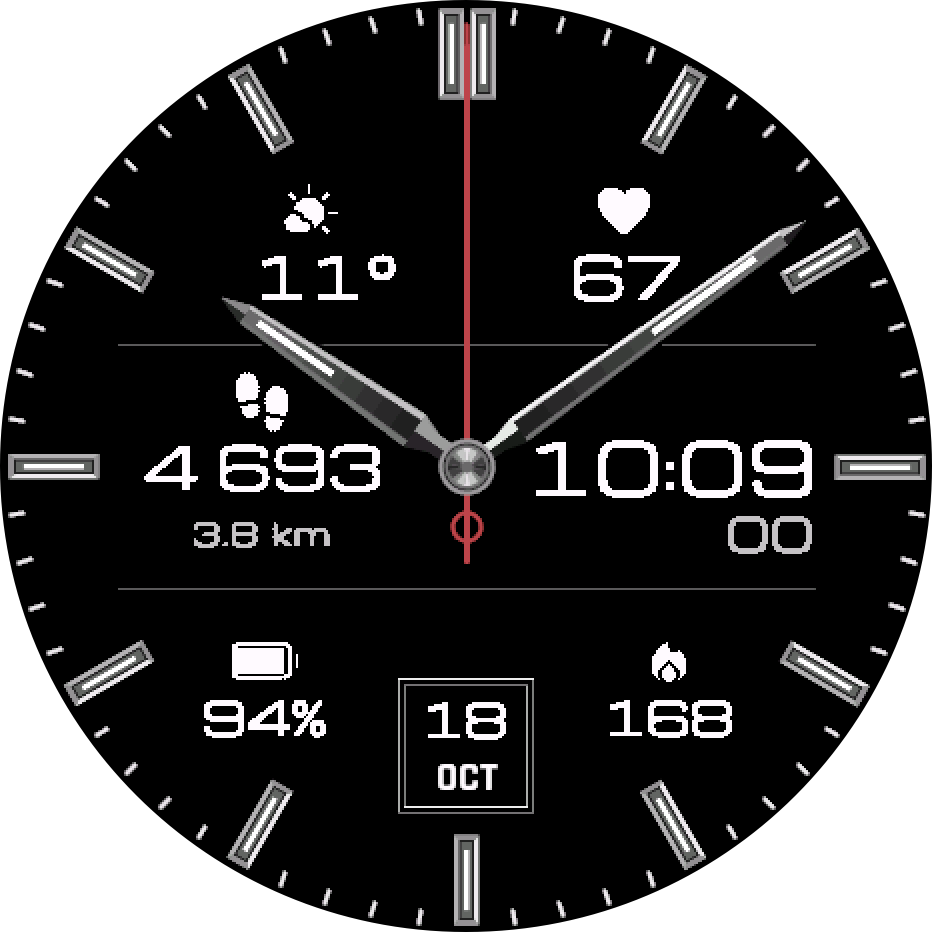
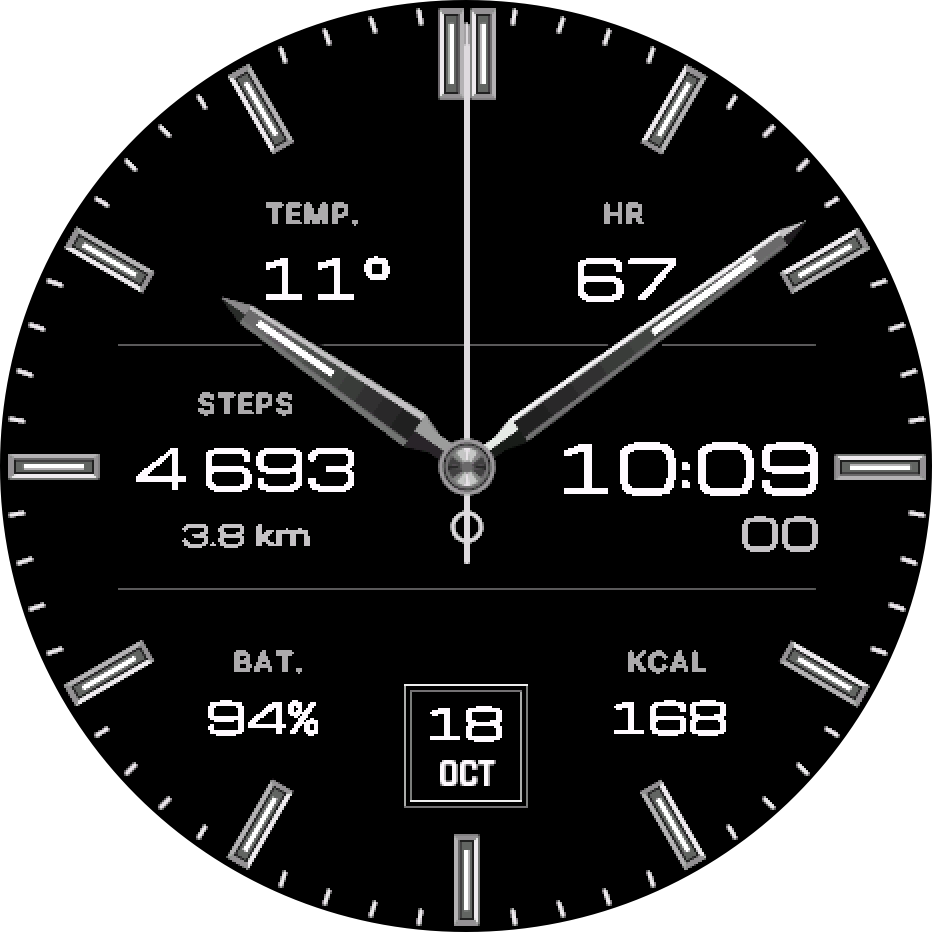
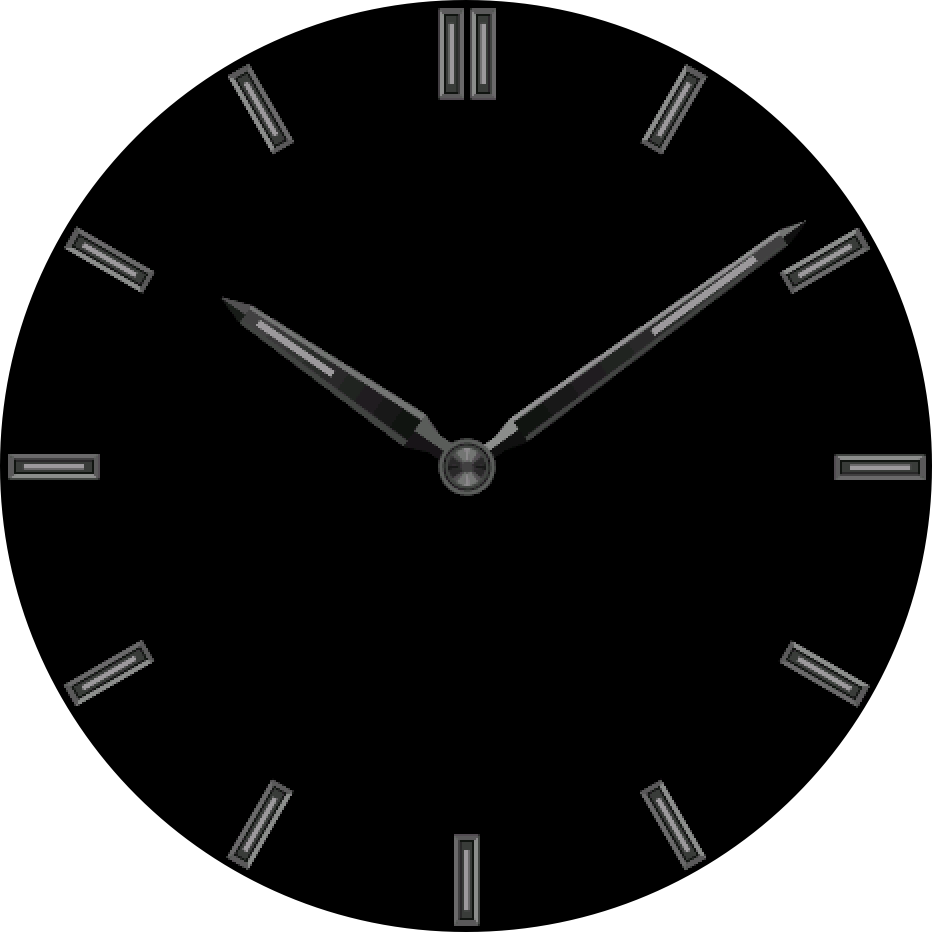
Always-on display
Three always-on levels
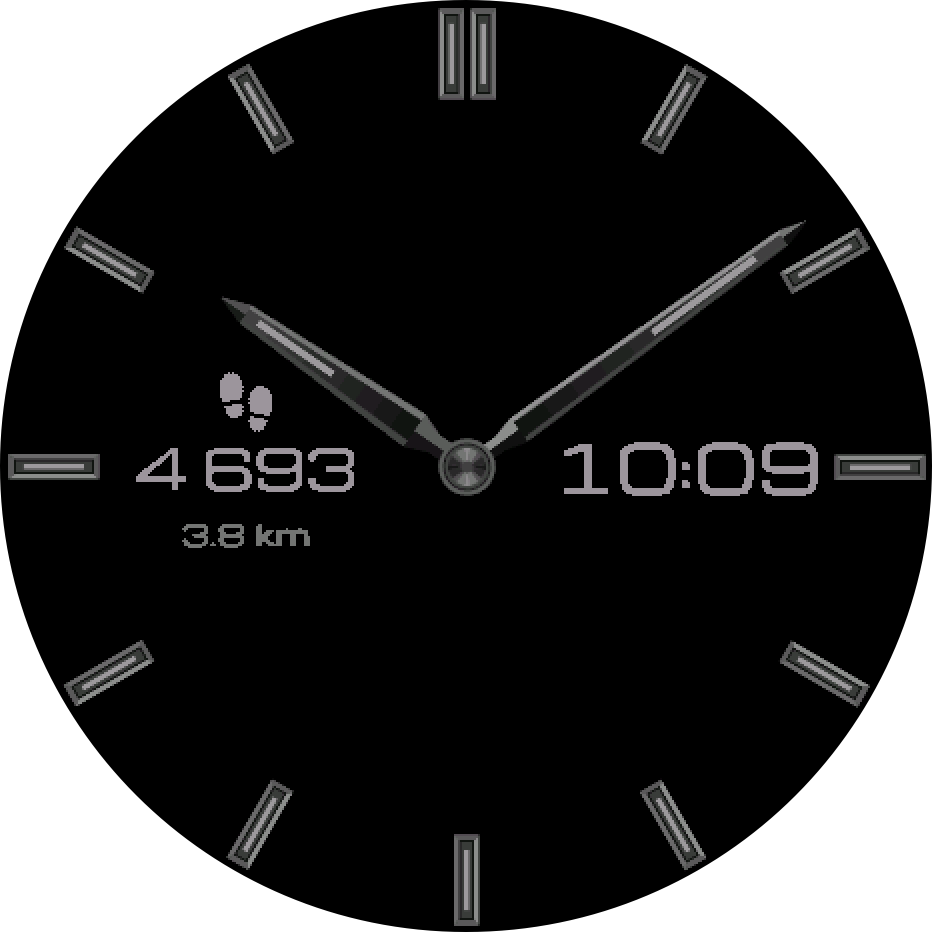
Dimmed and gently shifted to protect AMOLED screens. On MIP screens the whole face stays on, without the second hand.
Technical details
- Watches
- 69 round Garmin models, AMOLED and MIP
- Screens
- Drawn natively for 9 screen sizes, 218 to 466 pixels
- Fields
- 6, with 52 stats and a second line in the middle
- Weather
- Garmin, or MET Norway as an option
- Languages
- Settings in 36 languages; dates in 24
- Always-on
- 3 levels on AMOLED, full face on MIP
- Settings
- Connect IQ Store app on your phone
- Price
- One-time purchase in the Connect IQ Store
Does it run on my watch?
Losena runs on these 69 watches. On MIP screens it is drawn for that display, not scaled down from AMOLED.
No match. Write to us and we will check.
fēnix, epix, quatix, tactix
- epix (Gen 2) / quatix 7 Sapphire AMOLED
- epix Pro (Gen 2) 42mm AMOLED
- epix Pro (Gen 2) 47mm / quatix 7 Pro AMOLED
- epix Pro (Gen 2) 51mm / D2 Mach 1 Pro / tactix 7 – AMOLED Edition AMOLED
- fēnix 7 / quatix 7 MIP
- fēnix 7 Pro MIP
- fēnix 7 Pro – Solar Edition (no Wi-Fi) MIP
- fēnix 7S MIP
- fēnix 7S Pro MIP
- fēnix 7X / tactix 7 / quatix 7X Solar / Enduro 2 MIP
- fēnix 7X Pro MIP
- fēnix 7X Pro – Solar Edition (no Wi-Fi) MIP
- fēnix 8 43mm AMOLED
- fēnix 8 47mm / 51mm / tactix 8 47mm / 51mm / quatix 8 47mm / 51mm AMOLED
- fēnix 8 Pro 47mm / 51mm / MicroLED / quatix 8 Pro 47mm / 51mm AMOLED
- fēnix 8 Solar 47mm MIP
- fēnix 8 Solar 51mm / tactix 8 Solar 51mm MIP
- fēnix 9 43mm AMOLED
- fēnix 9 47mm / 51mm AMOLED
- fēnix 9 Pro 43mm AMOLED
- fēnix 9 Pro 47mm AMOLED
- fēnix 9 Pro 51mm AMOLED
- fēnix 9 Pro Solar 47mm MIP
- fēnix 9 Pro Solar 51mm MIP
- fēnix E AMOLED
Forerunner
- Forerunner 70 AMOLED
- Forerunner 165 AMOLED
- Forerunner 165 Music AMOLED
- Forerunner 170 AMOLED
- Forerunner 170 Music AMOLED
- Forerunner 255 MIP
- Forerunner 255 Music MIP
- Forerunner 255s MIP
- Forerunner 255s Music MIP
- Forerunner 265 AMOLED
- Forerunner 265s AMOLED
- Forerunner 570 42mm AMOLED
- Forerunner 570 47mm AMOLED
- Forerunner 955 / Solar MIP
- Forerunner 965 AMOLED
- Forerunner 970 AMOLED
Venu, vívoactive
- Venu 2 AMOLED
- Venu 2 Plus AMOLED
- Venu 2S AMOLED
- Venu 3 AMOLED
- Venu 3S AMOLED
- Venu 4 41mm AMOLED
- Venu 4 45mm / D2 Air X15 AMOLED
- vívoactive 5 AMOLED
- vívoactive 6 AMOLED
Instinct
- Instinct 3 AMOLED 45mm AMOLED
- Instinct 3 AMOLED 50mm AMOLED
- Instinct Crossover AMOLED AMOLED
Enduro
- Enduro 3 MIP
- Enduro 4 MIP
MARQ
- MARQ (Gen 2) Athlete / Adventurer / Captain / Golfer / Carbon Edition / Commander – Carbon Edition AMOLED
- MARQ (Gen 2) Aviator AMOLED
D2
- D2 Air X10 AMOLED
- D2 Mach 1 AMOLED
- D2 Mach 2 AMOLED
- D2 Mach 2 Pro AMOLED
Descent
- Descent G2 AMOLED
- Descent Mk3 43mm / Mk3i 43mm AMOLED
- Descent Mk3i 51mm AMOLED
Approach
- Approach S50 AMOLED
- Approach S70 42mm AMOLED
- Approach S70 47mm AMOLED
- Approach S72 43mm AMOLED
- Approach S72 47mm AMOLED
Install in three steps
- Open the Connect IQ Store app on your phone, or the store on the web.
- Search for Losena and tap Install. Payment goes through Garmin.
- On the watch, open the watch face list and choose Losena.
Questions
Where do I change the settings?
In the Connect IQ Store app on your phone: My Device, Losena, Settings. The watch picks up the changes on the next sync.
A field shows “--”.
Your watch does not measure that stat, or has no value yet, for example a race time before your first runs. Pick another stat for that field.
Does it drain the battery?
In always-on mode Losena redraws once a minute and has no second hand. The default level shows only the hands and hour markers.
Does Losena send my data anywhere?
Your health and activity data never leave the watch. Losena sends an anonymous install count once, and an approximate location only if you choose MET Norway weather. Details in the privacy policy.
Losena does not appear on my watch.
Sync the watch with your phone and check the list above. If your watch is there and Losena still does not appear, write to us.